 |
Viewing Connection Status
You can check the status of your system connections at any time.
Click the efutures Pro icon on the status bar (bottom-right of your screen).
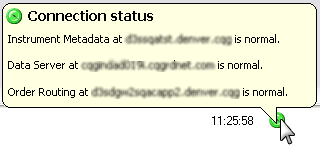
Normal
Issues
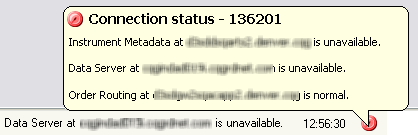
The status closes when you move your mouse away from the message.
You can set efutures Pro to display the dialog every time the connection status changes.
|
efutures |